Every AI agent that browses the web hits the same wall: the web is HTML, and models want markdown. Raw HTML is bloated with navigation, scripts, and tracking pixels — thousands of tokens of noise for a few hundred tokens of actual content. Someone has to clean it up, and for the last two years, a lot of people have quietly handed that job to Firecrawl.
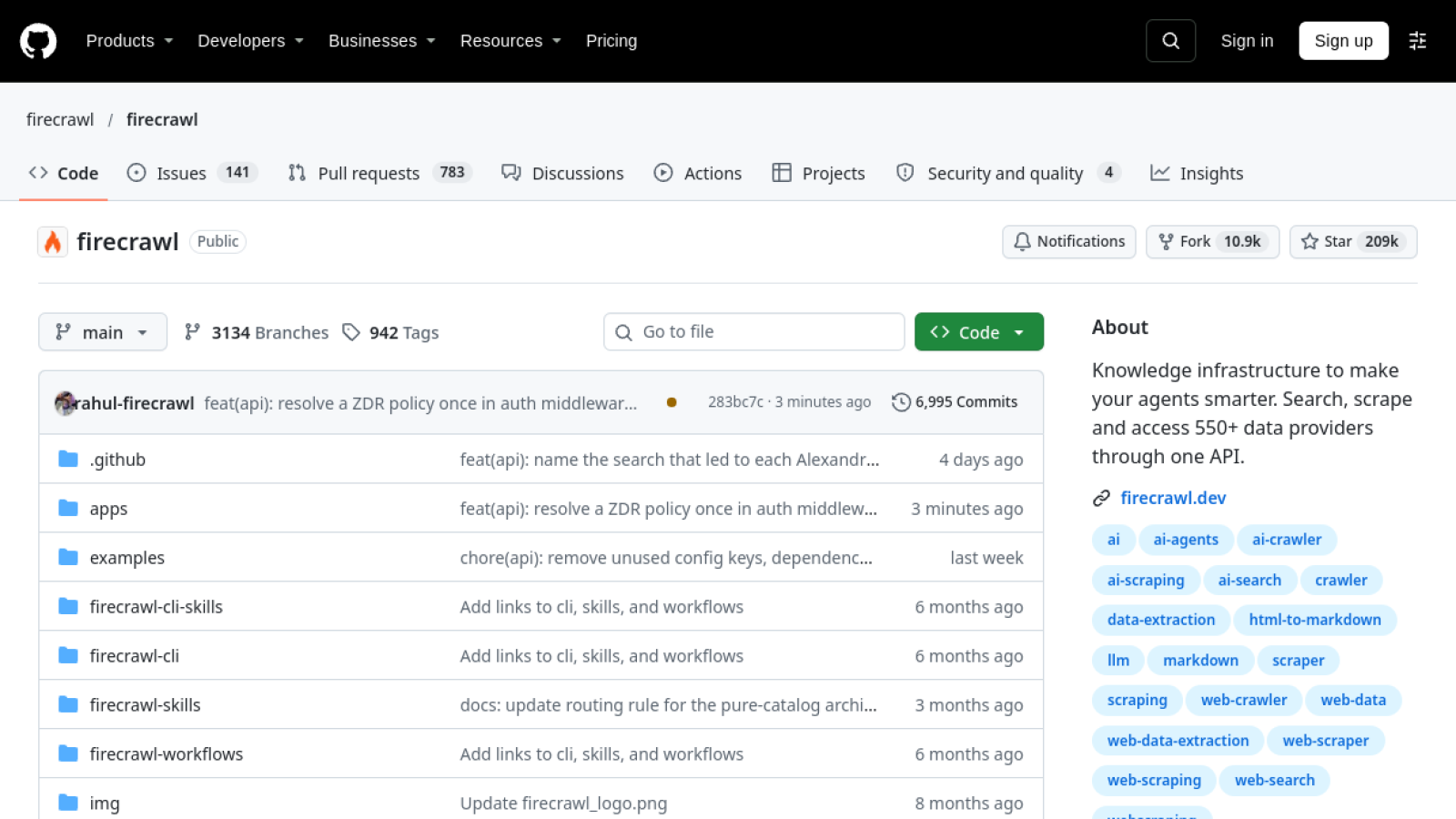
The numbers tell you how widely. The project, firecrawl/firecrawl on GitHub, has more than 208,000 stars and 10,900 forks, sits at number six on GitHub Trending today, and its README claims 71 million downloads. It’s one of those tools that became infrastructure while nobody was looking — the thing your agent framework uses under the hood to read the internet.
What makes it worth writing about now isn’t the star count. It’s that Firecrawl recently changed shape: the same tool that used to be a hosted API now runs as a single binary on your own machine, plugs straight into your AI coding tools, and costs nothing to try.
What it actually does
Strip away the marketing and Firecrawl does a handful of things, all through one API.
Scrape turns a single page into clean markdown — or structured JSON, or a screenshot — with the boilerplate removed. Crawl walks a whole site and saves one markdown file per page. Map lists every URL on a site so you know what exists before you fetch it. Search runs a web search and returns full content from the results, not just snippets. Interact clicks around a page with AI prompts — “search for mechanical keyboard”, “click the first result” — for pages that need more than a fetch. And Agent takes a plain-language request like “find the pricing plans for Notion” and goes and gets the answer, no URLs required.
Behind those verbs sits Alexandria, Firecrawl’s data layer: access to more than 550 data providers through the same API, for the kind of information scraping alone can’t reach. That’s the hosted side’s real edge over a scraper you run yourself — it’s not just fetching pages, it’s a catalogue of sources.
The hosted service claims it covers 96% of the web, including JavaScript-heavy pages and dynamic apps, with a P95 latency of 3.4 seconds across millions of pages. Those are the company’s own figures, from its own benchmarks, and should be read as such — but the star count suggests plenty of people have found them close enough to true in practice.
The new part: it runs on your machine now
The genuinely new piece is Firecrawl Local. Instead of sending every page to a hosted API, you install one binary on your own machine and it turns websites into clean markdown locally — no database, no queue, no container to babysit. It installs from crates.io:
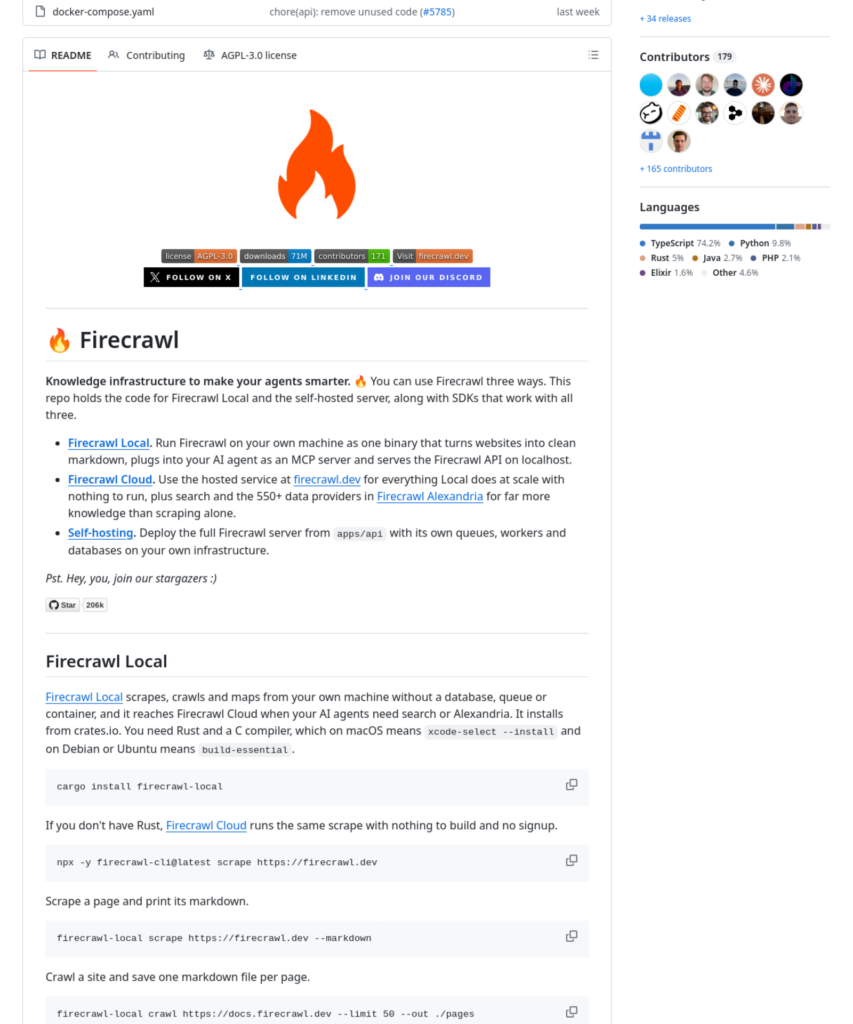
cargo install firecrawl-localYou need Rust and a C compiler, which on macOS means xcode-select --install and on Debian or Ubuntu means build-essential. Once it’s in, the commands are what you’d expect:
firecrawl-local scrape https://firecrawl.dev --markdown
firecrawl-local crawl https://docs.firecrawl.dev --limit 50 --out ./pages
firecrawl-local map https://firecrawl.dev
Pages that need JavaScript render in the Chrome or Chromium already on your machine, and PDFs and Office documents get parsed locally too. And then there’s the part that matters most for agent builders: firecrawl-local init finds Claude Code, Claude Desktop, Cursor, Windsurf, Gemini CLI, and Codex on your machine and adds Firecrawl Local to each one as an MCP server, backing up every config file first. Restart your tool, and your agent can scrape, crawl, and map the web from your own machine. The MCP server needs Node.js 22 or newer.
There’s also a serve command that answers the Firecrawl v2 API on port 3002, so code written against the hosted API runs against your local install unchanged, with no API key needed for local routes. Point any Firecrawl SDK at http://localhost:3002 and it just works.
If you don’t have Rust, there’s a no-build route: npx -y firecrawl-cli@latest scrape https://firecrawl.dev runs the same scrape through the hosted service with no signup at all.
Two minutes to your first scrape
The fastest honest test is the keyless tier. Firecrawl Keyless gives you 1,000 free credits a month with no API key and no signup, across the MCP server, the CLI, and the API. That’s enough to find out whether the output quality is what you need before you commit to anything.
From Python, the shape of it is about as simple as an API gets:
from firecrawl import Firecrawl

app = Firecrawl(api_key="fc-YOUR_API_KEY")
result = app.scrape('firecrawl.dev')
print(result.markdown)
Swap in api_url="http://localhost:3002" and drop the key, and the same code talks to your local install instead. That parity — same SDK, same API, local or hosted — is the design decision that makes the whole thing practical. You prototype against the cloud, move the heavy work local when the bill gets annoying, and nothing in your code changes.
The honest catches
A tool with 208,000 stars still has edges, and they’re worth knowing before you build on it.
First, Local isn’t fully local. A single-page scrape that won’t load on your machine gets fetched by Firecrawl Cloud instead, and the result is marked "source": "firecrawl-cloud". Those cloud calls work without an account at a limited rate, and firecrawl-local login puts them on your account. If you want everything to stay on your machine, set FIRECRAWL_CLOUD=off — but know that pages which needed the fallback will then come back with a warning instead of content.
Second, the fancier features are cloud-only. Interact, Agent, and the monitoring tools don’t run in Local, and neither does structured JSON output, summaries, or screenshots. Local gives you markdown, HTML, and links. If your agent needs to click around a page or get structured data back, that’s the hosted service.
Third, the license. The repo is AGPL-3.0, which is copyleft with teeth: if you modify the server and offer it over a network, you have to share your changes. That’s fine for most users and a real consideration for anyone building a commercial product on top of the self-hosted code. Read it before you build, not after.
And the pricing beyond the free tier lives on firecrawl.dev, not in the README — the Keyless 1,000 credits a month is the documented free tier, and anything beyond that is a conversation with their pricing page.
Who it’s for
If you’re building an AI agent that needs to read the web — a research assistant, a coding agent that looks up documentation, a monitoring tool that watches pages change — Firecrawl is the shortest path from “my agent needs that page” to “my agent has that page as clean text.” The MCP integration is the killer feature here: one command, and every major agent tool can browse the web through your machine.
It’s also the natural companion to this week’s open-model releases. A cheap, capable model like Sarvam 105B running on a single GPU still needs something to read, and a memory-native model like MemT-1.0-Pro still needs fresh information from outside its own weights. Firecrawl Local plus a self-hosted model is a fully local agent stack: your model, your machine, your data, the live web as input.
Skip it if your needs are simpler. One page, once, for yourself? Your browser’s reader mode or a copy-paste does that for free. Firecrawl earns its keep when the fetching is programmatic, repeated, or part of an agent’s workflow — when the web is an input to a system, not a place you visit.
Two hundred thousand stars don’t happen by accident, and they don’t happen for a tool that only works in demos. Firecrawl got there by solving a boring, essential problem — turning the messy web into clean text machines can use — and doing it well enough that people stopped thinking about it. The Local binary just removes the last excuse for not trying it: no account, no API key, no server to run. One command, and your agent can read the internet.